Get more gifts every LIVE.
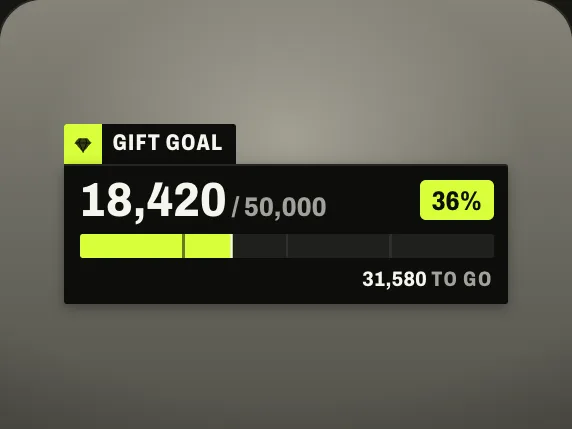
Top gifter races, goals, games and battle effects give viewers a reason to send the next one. Paste one link in LIVE Studio or OBS and it all runs by itself.
- No TikTok password
- Works in LIVE Studio and OBS
- 7 days free, no card
- Copy your link
- Paste it in LIVE Studio
- Go live
 Built with @itslucaszana, a TikTok LIVE streamer · Meet the founders
A demo of the setup: your Overtok link is copied and pasted into a source in TikTok LIVE Studio or OBS Studio, and the overlays come up on the LIVE. Then their style, size, place and color change while it runs.

overtokdashboardchanges live
Style16 looks
Color#D7FF3A
Make itlook like you.
Pick a look and a colour, and all 58 overlays, alerts, games and battle effects change with it, in 16 styles. Your viewers know it's your LIVE before you say a word.
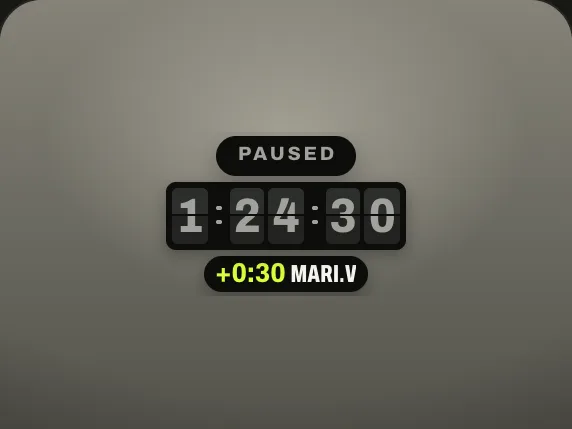
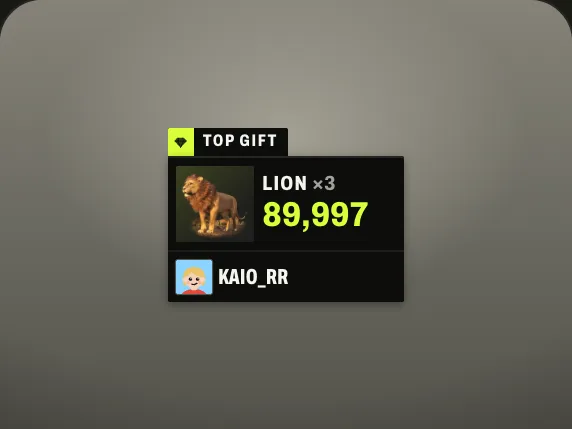
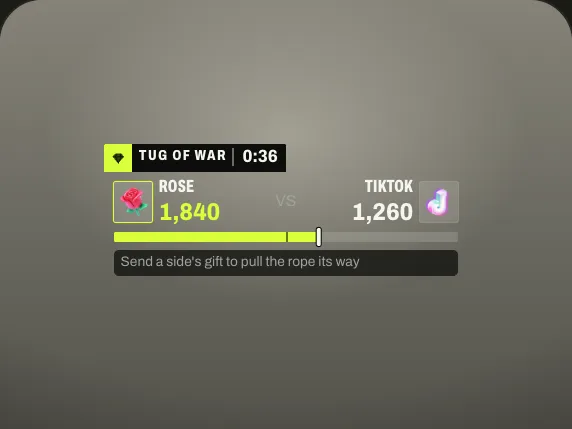
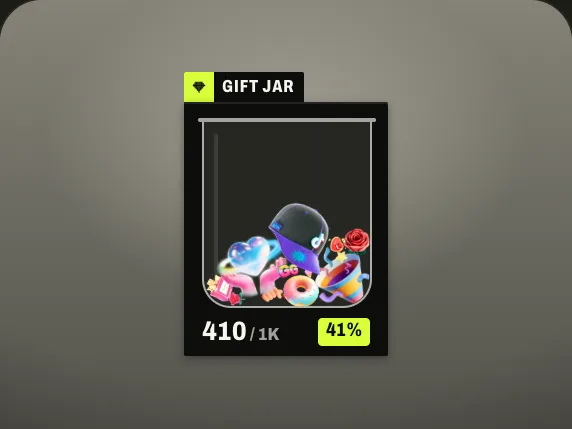
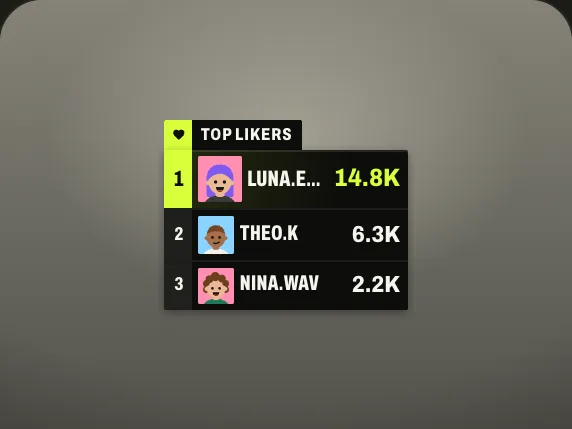
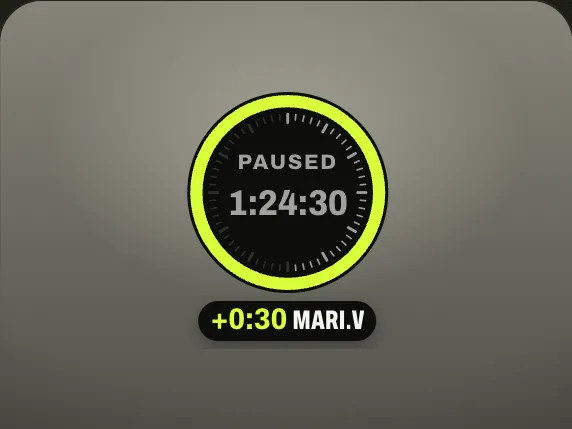
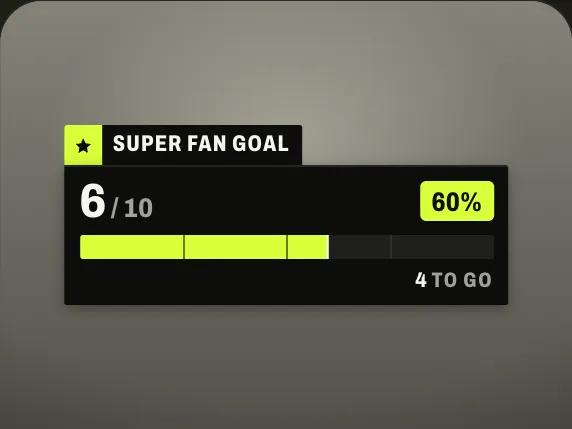
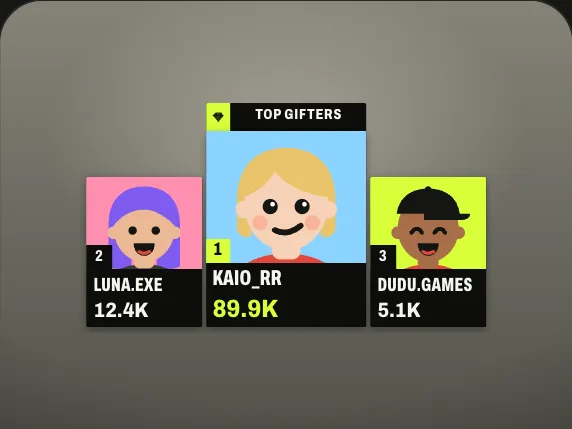
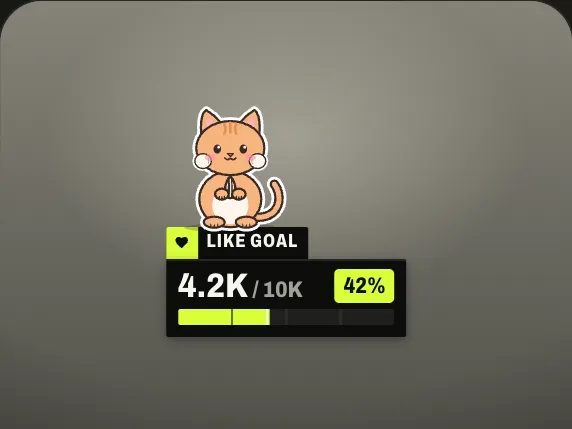
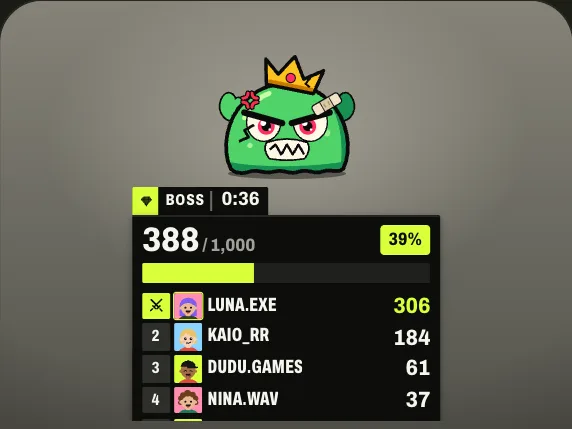
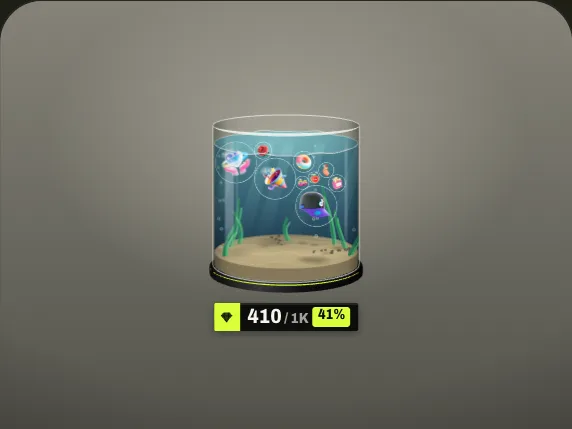
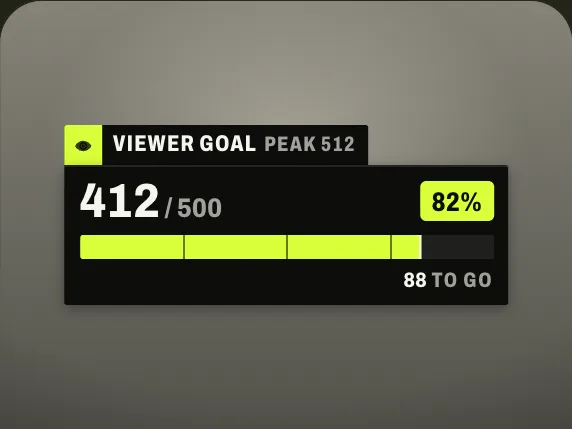
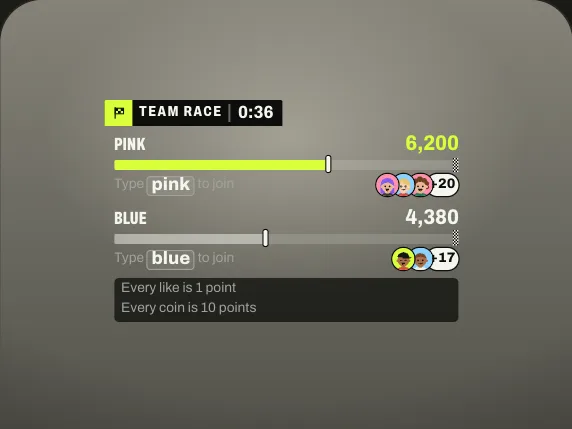
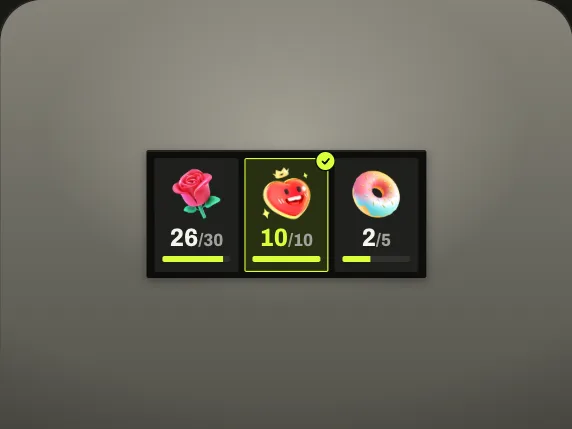
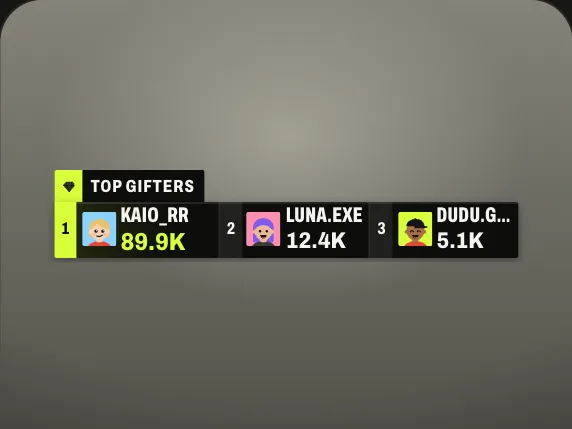
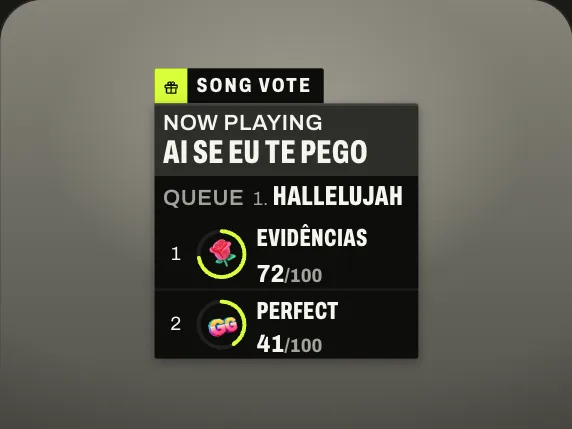
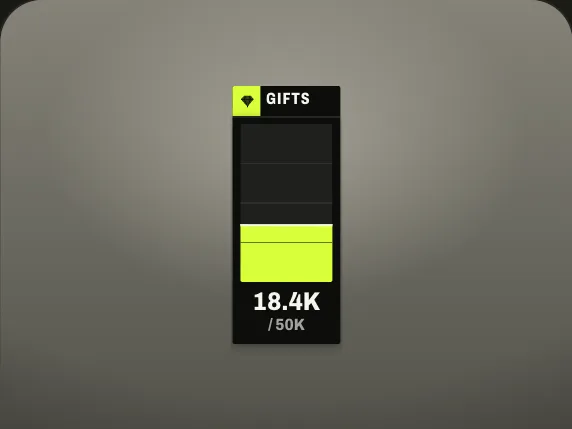
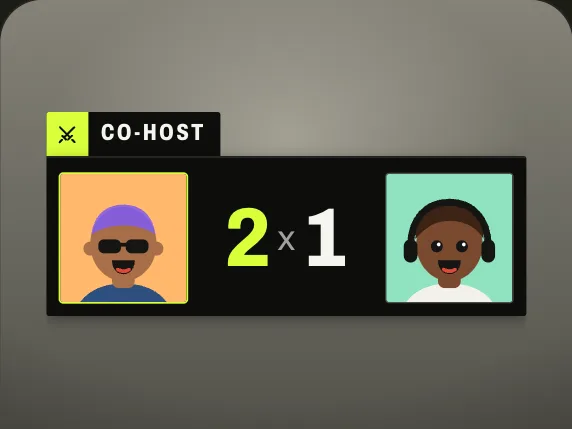
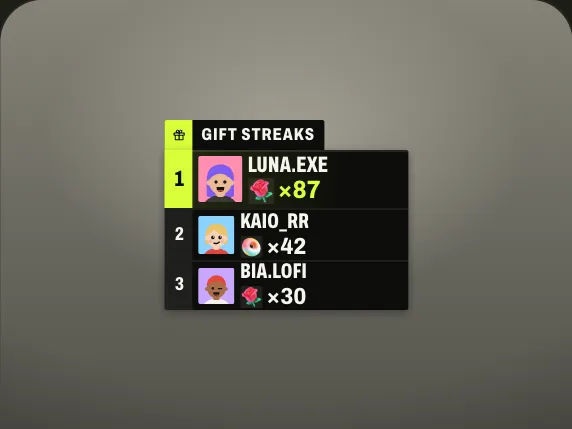
Connect withyour audience.
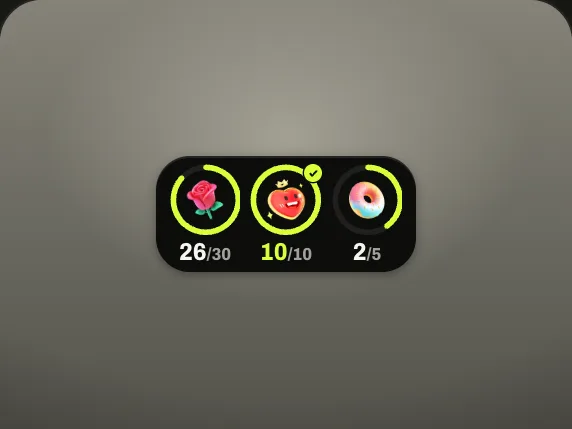
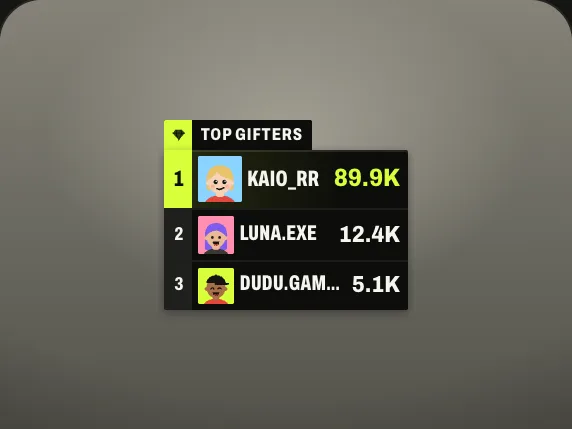
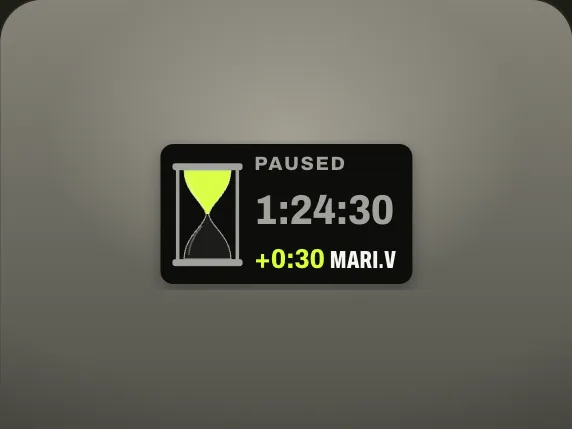
One gift lights up your whole stream: it goes up with their name, drops into the jar and takes them up the ranking. Every viewer sees it, so they send one more.






Every giftgets a show.
Their gift goes up on your stream with their name on it, so everyone watching sees who sent it.
Battles your viewerscan't sit out.
×2 and ×3 boosts, sniper alerts, the glove, the MVP and the win play on TikTok's battle screen the moment they happen. Viewers see when a gift counts most, and jump in.


 rival.live
 1
 2
 3
Your MVPgets a moment.
Upload a clip once. It plays the second they're crowned.
Upload a clip, set it to play when @mia.stars is Battle MVP, and when a TikTok battle ends and crowns her, her clip plays on the stream.
 @mia.starsOnly on a win
Also plays onGiftsLikesCoinsFollowsShares!hypeSuper FansFan club levelsEntrancesWinsLosses
MP4 · MOV · WebM · MP3 · WAV · up to 20 sYour chatplays along.
Tug of war, like races, trivia and word scramble turn viewers into players. They tap, comment and gift to win, and stay to see who does.


One link.Zero drama.
In TikTok LIVE Studio, paste your link once. In OBS, paste one password and Overtok adds itself to your OBS scene and keeps it in sync. Change your overlays any time and your stream follows.
A demo of the setup with TikTok LIVE Studio: a scene is built in Overtok and a TikTok username connected. Then the Overtok link is copied and pasted into a Link source in LIVE Studio at 1080 × 1920. The stream starts and gifts show on it.
Paste your link once, as a Link source at 1080 × 1920. Switch scenes in Overtok and LIVE Studio follows.How it works with LIVE Studio →
Get my linkKnow what makesyour LIVE grow.
See which LIVEs brought more viewers, diamonds, followers and battles, measured against your own usual. Never against other streamers.
Sample LIVE · Fri, Oct 30 · 3h 42m
Compared to your last 30 days
Diamonds
48,210
▲ 112% · usual 22.7K
Viewers
Top gifters
- 1
 @nina.wav31,240
- 2
 @theo.k6,120
- 3
 @rafa_993,760
- 4
 @luna.exe2,410
- 5
 @kaio_rr1,190
- Peak viewers
1,284
▲ 58% · usual 815
- Average viewers
612
▲ 36% · usual 449
- Likes
1.2M
▲ 563% · usual 181.6K
- New followers
+342
▲ 114% · usual 160
- Battles
5–1
83% won
Then post the night.
Cards in your colors, as an image or a short video. You save it and post it yourself. Diamonds stay off the card until you turn them on.
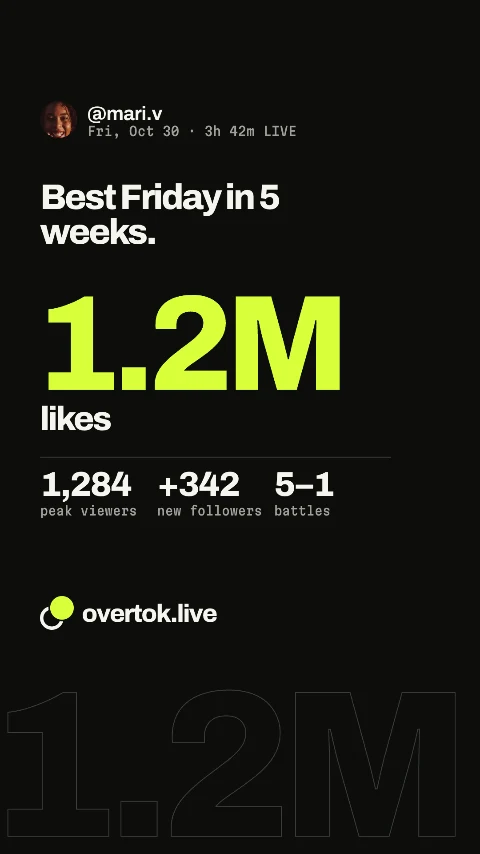
Number
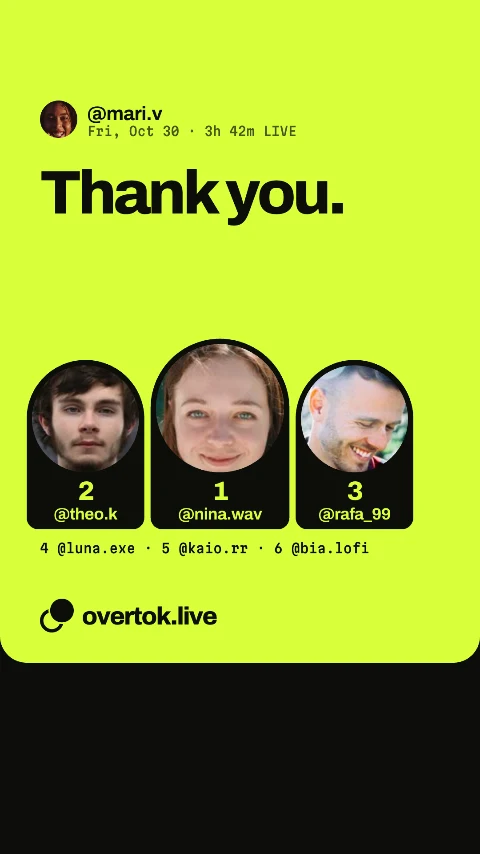
Thank-you
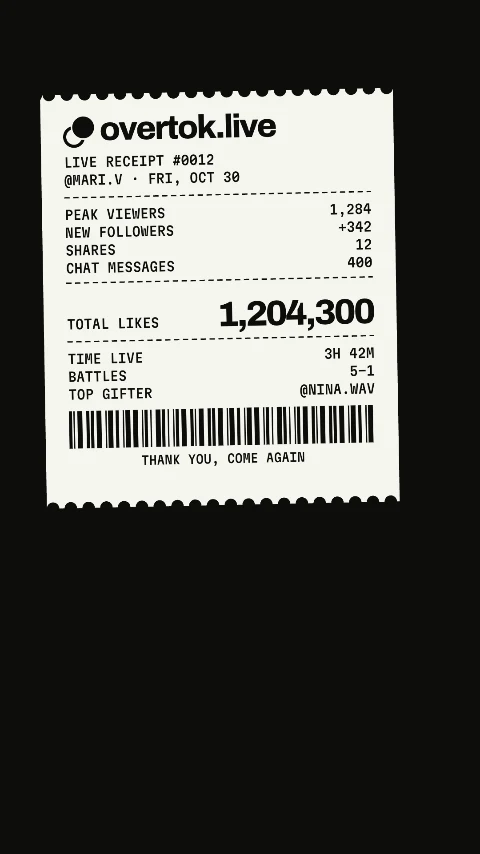
Receipt
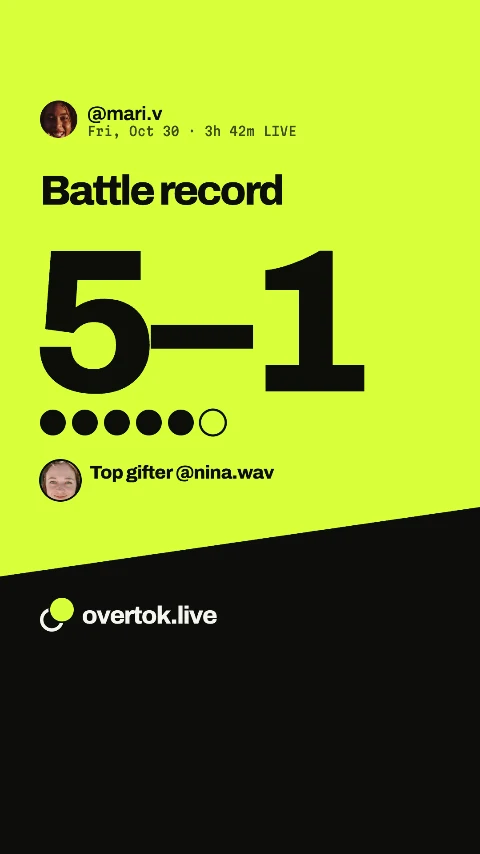
Battle
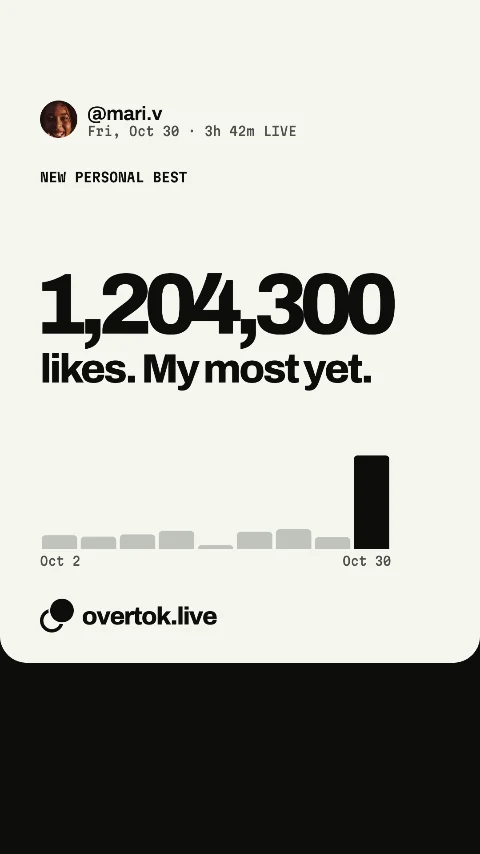
Record
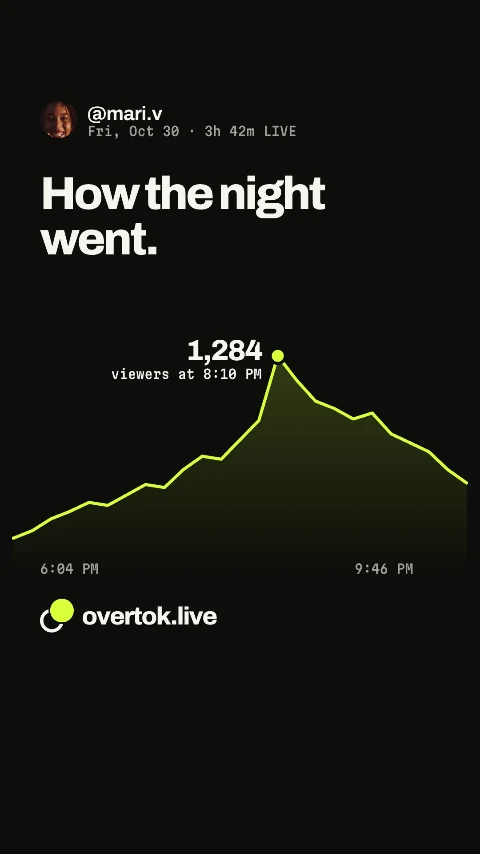
Viewer graph
Turn profile visitsinto viewers.
Socials, tips and merch at overtok.live/@you, in your stream's look. When you go LIVE, a button to your stream appears on it by itself.
Your address
Colors
Style
You're LIVE
The button stays while Overtok is connected to your LIVE.
What your page brings in
overtok.live/@itslucaszana · Sample numbers
- Views
10,147
+37% vs the 30 days before
- Link clicks
1,897
+41% vs the 30 days before
- Click rate
18.7%
of views end in a click
Views per day
Clicks per link
- Buy me a coffee645
- Send a tip512
- LIVE playlist417
- Merch drop323
Top countries
- BRBrazil3,652
- USUnited States1,927
- PTPortugal1,116
- MXMexico811
- GBUnited Kingdom608
Where visitors came from
- TikTok6,190
- Instagram1,623
- Direct or unknown1,116
- YouTube812
- Discord406
No cookies and no visitor ids: only counts, kept by day.
Pay whenyou pop off.
One plan, everything unlocked. Try it free for 7 days, no card needed.
- Every overlay: rankings, goals, gift jar, timer
- Battle effects: ×2, ×3, tap tap, sniper, MVP
- Gift alerts, 100+ sounds and text-to-speech
- Upload videos and sounds that play on gifts
- Games: trivia, raid boss, tug of war and more
- 14 styles in your colors, on every overlay
- Scenes you switch in one click, from a live dock
- Stats, share cards and your overtok.live/@you
- One link in OBS or LIVE Studio
Real onesask first.
What do I need to use it?
A computer running OBS Studio or TikTok LIVE Studio. Paste your link as a Browser source in OBS or a Link source in LIVE Studio. Overlays won't show on a LIVE started from the TikTok phone app. LIVEs set to 18+ don't share events, so overlays won't react to them.
Why pay when free tools like TikFinity exist?
Free tools are toolboxes: you add each widget as its own link and style each one by hand. Overtok is one finished stream: one link carries every overlay, alert and battle effect, and 13 looks restyle all of them at once. Stats for every LIVE and your link page come with it. The trial is free and needs no card, so try both side by side.
Do you need my TikTok password?
Nope. Just your @username. overtok reads your public LIVE events (gifts, likes, follows) and never asks you to log in to TikTok.
Is it safe for my account?
Yes. Overtok only reads your LIVE's public events: the gifts, likes and follows everyone in your room can see. It never logs in to your account and never posts for you. Overtok is independent from TikTok, so if TikTok changes how it shares those events, some overlays can pause until we update.
How does the free trial work?
You get 7 days with everything unlocked, no card needed. After that you pick monthly or yearly (two months free), priced in your currency. If you do not subscribe, your overlays and link page pause.
Will it lag my stream?
Your link is one light, transparent browser source at your canvas size. Nothing runs on your PC except the page itself.
Can I change the look mid-stream?
Yep. Edit themes, fonts or scenes in the dashboard and it updates live. No refreshing sources, no restarting OBS.
Do I have to keep anything open for stats?
Yes. Overtok records a LIVE while it's connected: your overlay open in OBS or LIVE Studio with auto-connect on (the default), or the dock open. The LIVE button on your link page works the same way.
What languages is Overtok in?
The dashboard and our emails are in English, Portuguese (Brazil) and Spanish. Overtok opens in your browser's language, and you can switch it in Settings. Labels on stream stay in English, but what you write (goal names, text, song menus, trivia) shows as you typed it.
We're building the best overlay experience for streamers.
Zana is on TikTok LIVE as a streamer. Bassa has spent his career building software. One of us knows what streamers need, and the other loves turning that into something that feels effortless.
That's how we build overtok: every overlay should look great on stream, react the moment your chat does, and take almost no time to set up.
The founders.
Lucas “Zana”Zanandrea
co-founder
I'm a TikTok streamer and singer, and I used to be in a band. I've always loved performing for a crowd, and I know how much the small moments with your audience matter. At overtok, I make sure everything we build works for the person on stream.
Lucas “Bassa”Bassetti
co-founder
I've been building software for over 10 years, including player experiences at Riot Games, and I still love the moment something feels right the first time you use it. At overtok, I sweat the small details that make going live feel easy.